Do You Need a Pro for Smart Lock Installation in Dover, DE?
You bought a smart deadbolt, or you're about to, and now the box is sitting on the counter. Smart lock installation in Dover, DE is a job many homeowners can do alone with a screwdriver. It also goes wrong in a few predictable ways, and the door is often the culprit, not the lock. If the door is level, the holes are standard, and you pick a lock with a key backup, a first-timer can often finish the same afternoon. If not, you'll save yourself a bad afternoon by calling someone.
Here is how to tell which camp you're in, what to check before you open the box, and how to keep the lock safe once it's on.
Key Takeaways
- Check the door first. A door that is out of level can stop a new smart lock from latching, and it derailed Security.org's own test install.
- A retrofit lock swaps only the inside half and keeps your existing deadbolt and key.
- Pick a lock with a physical key or an outside battery terminal as backup.
- Set a strong code, turn on two-step sign-in, and keep the firmware current.
What Is a Smart Lock, and What Does Installing One Involve?
What is a smart lock? A smart lock is an electronic deadbolt or deadbolt add-on that opens with a code, phone, or fingerprint instead of, or alongside, a key. It runs on batteries and usually connects to an app by Bluetooth or Wi-Fi.
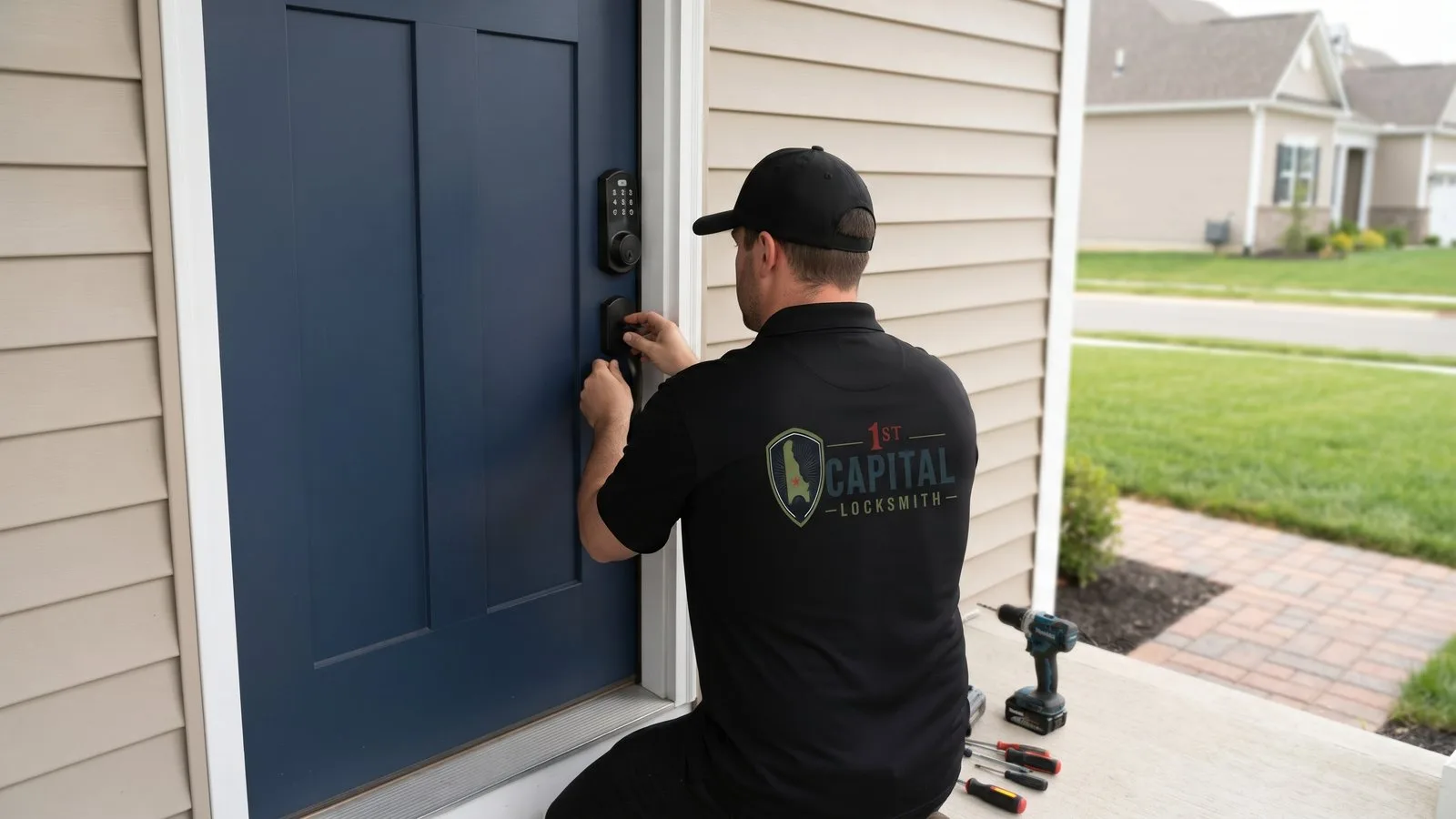
Installing one means removing your old deadbolt, or its inside half, and fitting the new hardware in the same door holes. The steps are about the same for most brands. Security.org lists them for a typical retrofit install: ready the existing deadbolt, remove the thumb latch, attach the mounting plate and adapter, attach the new lock, take off the battery tab, and test the lock. After that you create the app account, name the lock, and connect it to Wi-Fi or a hub.
That sounds easy, and the lock part often is. The same guide also calls smart locks some of the hardest smart home products to install, and notes that a problem with the door can turn a 30-minute job into a full day.
The 4-Check Door Test Before You Buy
What is the 4-Check Door Test? The 4-Check Door Test is a short walk around your own front door before you buy a smart lock. You check the hole size, the backset, the lock type, and whether the door closes level. If all four pass, a DIY install is a fair bet.
Do this with the door open, a tape measure, and five minutes.
- Measure the large hole. The big hole through the door face is called the cross bore. Allegion, a lock maker, describes the standard prep as 2-1/8 inches, with a 1-inch hole in the door edge for the latch. Most new smart locks expect this.
- Measure the backset. That's the distance from the door edge to the center of the big hole. Standard sizes are 2-3/8 inches and 2-3/4 inches. Many locks fit either one, but check the box.
- Know what you have now. Some smart locks need a single-cylinder deadbolt, meaning a keyway outside and a thumb turn inside. If your current lock has keyways on both sides, say so before you buy.
- Close the door and watch the bolt. Throw the existing deadbolt. If it drags, rubs the frame, or has to be lifted to line up, the door is out of level. A smart lock will not fix that. It will make it worse, because a motor can't force a bolt into a hole it can't find.
Check four is the one that matters most, because no lock can fix it. If you've been fighting a sticky deadbolt already, our post on repairing or replacing a door lock walks through the door-open test that finds the cause.
Retrofit Lock or Full Smart Deadbolt?
A retrofit smart lock replaces only the inside part of your deadbolt and keeps the outside lock and key. A full smart deadbolt replaces the whole lock. Retrofit is simpler and keeps your key. A full replacement gives you a keypad on the outside of the door.
Retrofit locks have gone mainstream. Consumer Reports says three of its ten top smart lock picks are retrofit models, which replace only the part of the lock on the interior side of the door. Because the outside deadbolt stays put, you can still use a regular key.
The two compare like this.
| Retrofit smart lock | Full smart deadbolt | |
|---|---|---|
| What changes | Inside half only | The whole lock |
| Outside of the door | Looks the same | New keypad or touchscreen |
| Your existing key | Keeps working | Replaced by a new key set |
| Good fit when | Your current deadbolt is solid and you want phone control | You want a keypad, or the old lock is worn |
| Main risk | Depends on your old lock being in good shape | Door must match the new lock's hole sizes |
A retrofit won't help a worn or low-quality deadbolt. If the lock underneath is the weak point, a full swap makes more sense. Our deadbolt installation and lock change services cover that.
DIY or Pro? A Quick Decision Table
| Your situation | Best route | Why |
|---|---|---|
| Level door, standard holes, single-cylinder deadbolt | DIY | The job is mostly swapping parts in place |
| Door rubs or the bolt needs a lift to line up | Pro | The door needs adjusting before any lock goes on |
| Old lock has keyways on both sides | Pro | You need a compatible lock and a clean swap |
| Holes are the wrong size or have been drilled twice | Pro | Door prep takes tools and a steady hand |
| Lock that must be wired in | Pro | Security.org says smart locks are hardest to install when they must be hardwired |
| New lock for a rental or a home you're moving into | Pro, with rekeying | Old keys should stop working at the same visit |
If you've just bought or moved into a house, think about the keys before the app. A smart lock does not cancel keys already floating around. Pairing it with lock rekeying makes sure the old ones stop working.
What Actually Goes Wrong With a Smart Lock Installation?
Most smart lock problems are not hacking. They are dead batteries, a door that won't latch, weak Wi-Fi, and pairing that drops after a battery change. Plan for each one before you install.
A door that won't latch. The Security.org testers' own first install failed because the door wasn't level with the frame. Wood doors move with the seasons, so a door that closed fine in July can start to rub by January.
Batteries. Most consumer smart locks run on non-rechargeable batteries, and Security.org advises keeping spares on hand. Buy a lock with a physical key or an outside terminal where you can touch a battery to the lock for a jump start. A lock with neither turns a dead battery into a lockout. Once you have the key, test it twice a year, because a cylinder that rarely turns can seize and you don't want to find that out in the dark.
Wi-Fi only. A lock that depends on Wi-Fi alone can fail when your connection does, so look for Bluetooth, a keypad, or a key as a second way in.
Pairing after a battery swap. The app connection can drop after new batteries go in, so check the maker's reset steps before you need them.
We'd rather you read that list now than learn it standing on the porch. Locked out anyway? A house lockout call is what we do.
Are Smart Locks Safe?
A reputable smart lock that is set up well is a sound choice for most homes. The real risks are weak codes, outdated firmware, and shared access you forget to turn off.
Skepticism about smart locks is fair. A smart lock is only as strong as the deadbolt and door it's mounted on, so a solid door and a good strike plate matter more than the app. Delaware's Statistical Analysis Center counted 301 reported burglaries in Kent County in 2024, and 149 of them were unlawful entries with no force (Crime in Delaware, 2020-2024). That's about half of them.
There are real documented weaknesses, too. The federal CERT Coordination Center published an advisory (VU#949046) on locks that use Sciener firmware and the TTLock app, sold under many brand names. It found issues that let an attacker within Bluetooth range compromise a lock, and says there is no software fix, only a workaround of turning off some Bluetooth features (CERT/CC). The takeaway: buy from a maker that supports its product and posts firmware updates.
A short habit list covers most of the risk:
- Use a code that isn't a birthday or an address.
- Turn on two-step sign-in for the lock's app account.
- Install firmware updates when the app offers them.
- Delete codes for guests and workers when they're no longer needed.
Who Handles Smart Lock Installation in Dover, Smyrna and Kent County?
We install and service locks across Dover, Camden, Smyrna, Felton, Harrington, Magnolia, Frederica, Cheswold, Clayton, Milford and Leipsic, and we come to you. Our residential locksmith services cover the whole area. A door that has settled over the years is exactly the kind that trips up a DIY smart lock.
If you're in Smyrna and want a smart lock fitted the day you move in, start with our Smyrna service page or call us. We'd rather talk through your door over the phone than have you buy a lock that doesn't fit.
Should You Install a Smart Lock Yourself or Call a Pro?
Do the 4-Check Door Test. If the door is level and the holes are standard, smart lock installation is a fair weekend project with a retrofit lock. If the door fights you, or you'd rather skip the guesswork, call a locksmith who can fix the door and fit the lock in one visit.
Not sure which camp you're in? Call 1st Capital Locksmith at (302) 735-0050 or request a visit, and tell us what door you have. We're locally owned and operated, bonded and insured, and we'll explain what needs doing before we start.
Sources
- Security.org, How to Install a Smart Lock, retrieved 2026-10-19
- Consumer Reports, Best Smart Locks of the Year, retrieved 2026-10-19
- Allegion, Cross Bore, Edge Bore and Backset, retrieved 2026-10-19
- CERT/CC, Vulnerability Note VU#949046, retrieved 2026-10-19
- Delaware Statistical Analysis Center, Crime in Delaware 2020-2024, Kent County Serious Property Offenses table, January 2026, retrieved 2026-10-24
Frequently Asked Questions
Can I install a smart lock myself? +
Often, yes. If your door is level, the holes are standard size, and your current deadbolt is a single-cylinder type, many people finish the same afternoon. If the door rubs or the holes need work, a locksmith will save you time.
What size hole does a smart lock need? +
Most expect a 2-1/8 inch hole through the door and a 1-inch hole in the edge, with a backset of 2-3/8 or 2-3/4 inches, according to Allegion. Measure yours and check the box before you buy.
What is a retrofit smart lock? +
A retrofit smart lock replaces only the inside part of your deadbolt. The outside lock stays, so your key still works. Consumer Reports counts three retrofit models among its ten top picks.
Are smart locks safe? +
For most homes, yes, if the brand is reputable and you set it up well. Use a strong code, turn on two-step sign-in, install firmware updates, and delete old guest codes.
What happens if the battery dies? +
Pick a lock with a physical key or an outside terminal for a jump start. Replace batteries when the app warns you, and keep spares at home.
Do I need Wi-Fi for a smart lock? +
Not always. Many locks work over Bluetooth or a keypad with no Wi-Fi. Wi-Fi adds remote control, but a Wi-Fi-only lock can fail when your internet does.
Not Sure Your Door Is Ready for a Smart Lock?
Call 1st Capital Locksmith or request a visit and tell us what door you have. We'll explain what needs doing and why before we start.